
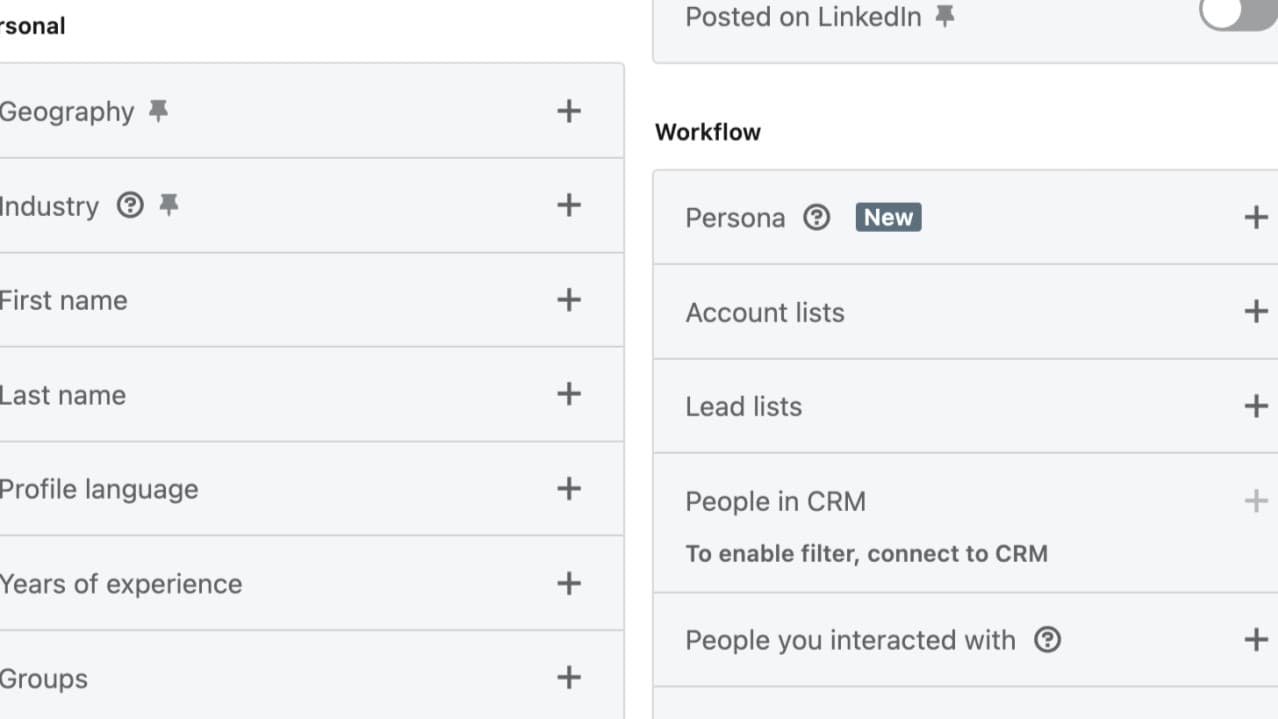
Most of you have already tried Sales Navigator Core during the free 30-day trial — but used it inefficiently. Or didn't use it at all. Here are the key features you should have been using. Yes, key features — not all of them:
🎯 Lead filters
They are much more precise than standard LinkedIn search. Here's why:
Number of employees — you can target people based on the size of the company they work for.
Function — looking for a buyer? They might be labelled as "buyer", "procurement manager", or even "supply chain specialist". You can guess… or use a filter that does it for you.

Seniority level — your counterpart might list themselves as CIO or Head of IT. LinkedIn helps you categorise them into the right level regardless of their own job title.


Years in role or at company — three different filters depending on what you want to measure. For example, you can find newly joined people (they are looking for new tools), or on the contrary seasoned veterans.

🧠 Other important features:
The number of searches is not unlimited — but it's more than enough for one active user. And the system is set up so that multiple people cannot use it from one account.
Saved searches — you can set up notifications when new relevant profiles appear.
Company page — you get an overview of its current size, structure, and the people working there.

🚀 What about the advanced version — Sales Navigator Advanced?
You create your own contact and company lists, add notes to them, and share them with your team.
For PDFs and URLs, you can see who opened them, how long they looked at them, and which page they spent time on.
And then there's the Buyer Intent feature — which deserves its own article.
✅ What would I do if I were you?
I would ask directly for a Sales Navigator Advanced demo, not the Core version.
I would ignore most features (InMails, post monitoring, etc.)
That way, most of you will understand the value of the tool immediately.
📌 Final note:
All of this makes sense only if you are willing to actively send invitations and create content.
In other words — if you are not actively using LinkedIn, no tool will help you.
But if you use it correctly, Sales Navigator is the best premium feature that LinkedIn offers most users.